
 Deutsch
 Dansk
Dansk Svenska
 Nederlands
 Español
 Lietuvos
Key Takeaways
- You can create a ChatGPT account for free by signing up on OpenAI’s official platform.
- After creating a password, you just need to verify your email to finish the process.
- Once inside, you can use the free GPT-5.2 model or choose a paid tier like ChatGPT Go, Plus, or Pro.
The sign-up process is designed for accessibility and security according to OpenAI’s official documentation.
Time to start using ChatGPT?
That’s a good idea. Here’s a simple step-by-step guide to create a ChatGPT account in 2026.
Before moving forward, make sure to have an email you can use to sign up for an account.
Step 1: Visit the website to create a ChatGPT account
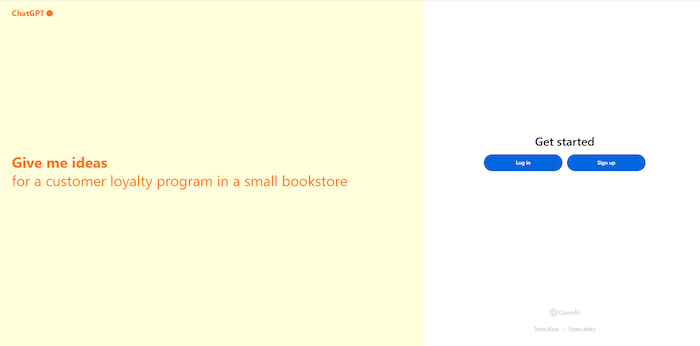
Go to the ChatGPT sign-up page here.
Step 2: Sign up
Click the “Sign up” button to start the process, where you will be asked to enter your email and create yourself a password.
You can choose to sign up using Microsoft, Google, or Apple for a faster experience. However, I still recommend signing up using your email for better control.
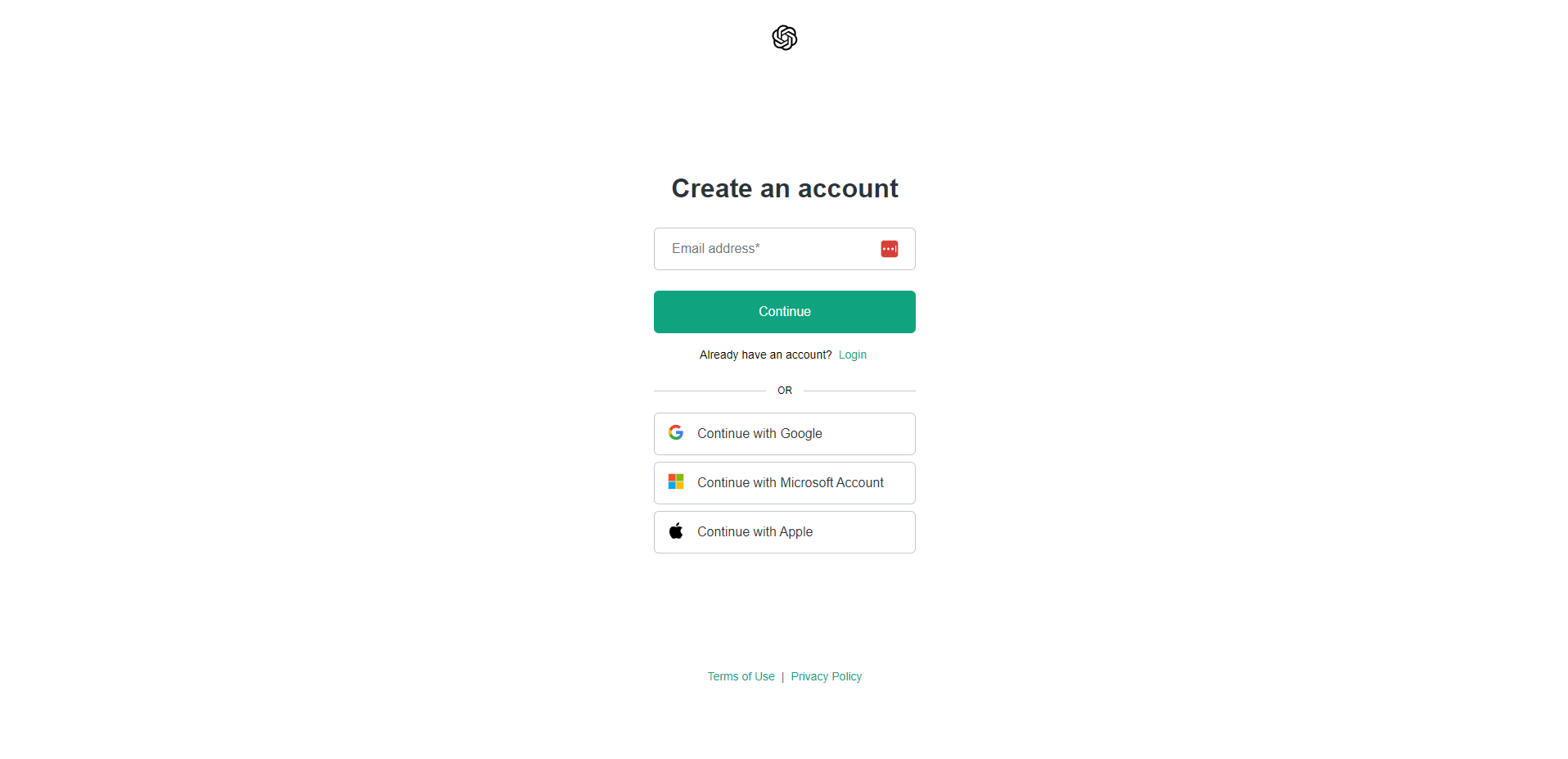
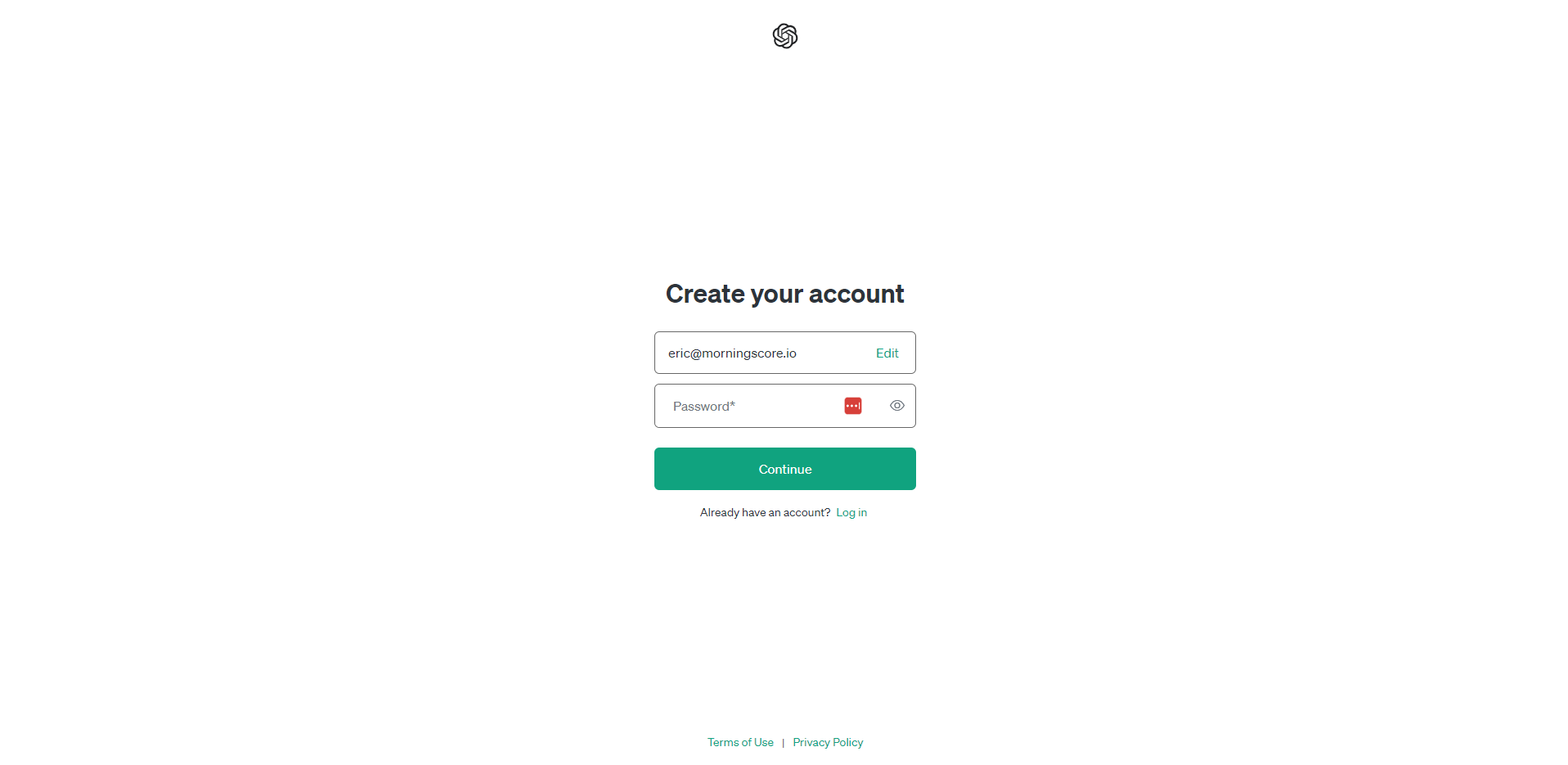
When you have entered your email, you need to click the “continue” button, which will trigger a new window where you need to create a password.
Step 3: Verify your email for your ChatGPT account
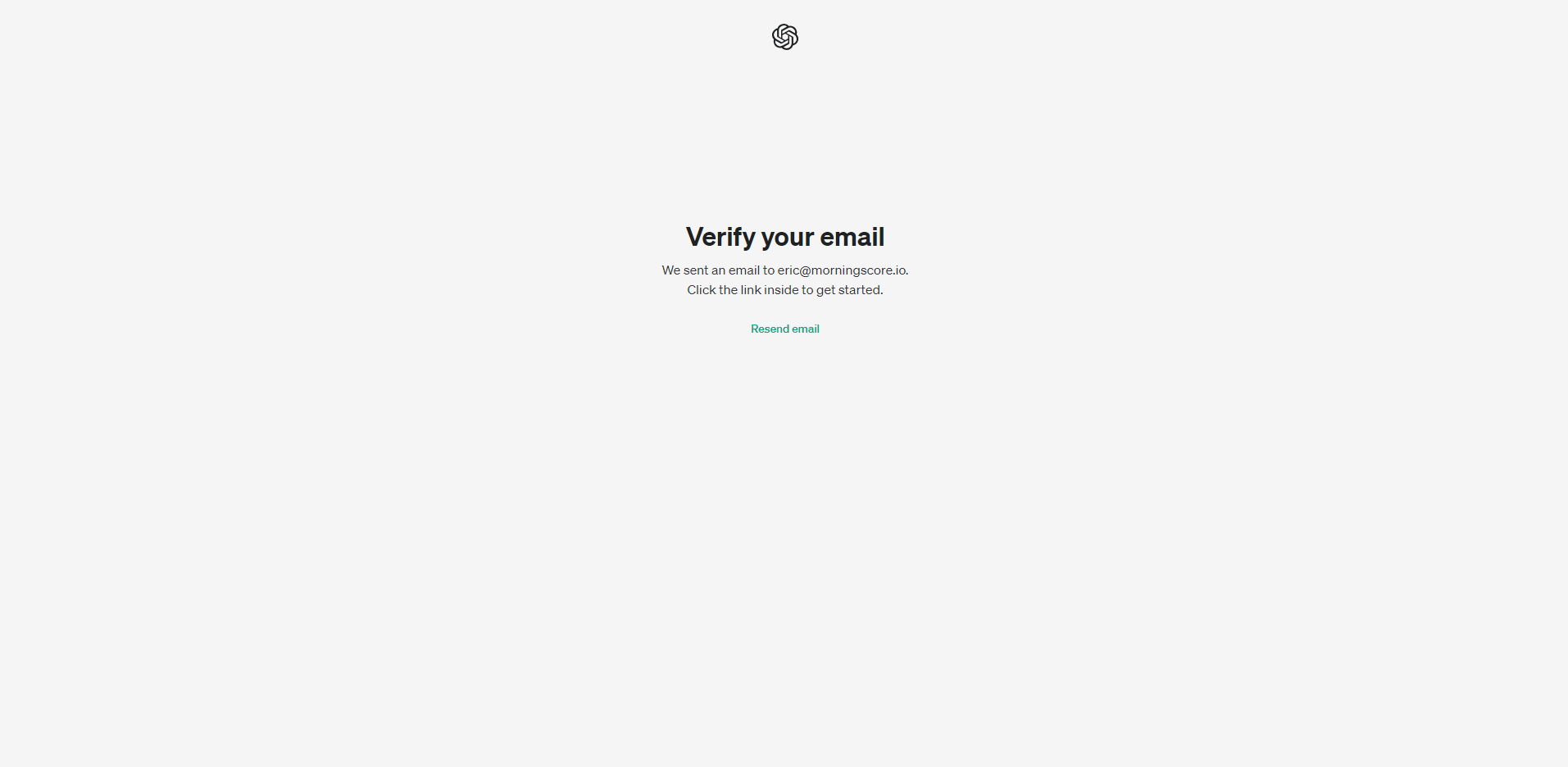
To activate and finish the account creation, you need to head to your email inbox and find the mail from OpenAI. Open it and click on the “verify email” button to redirect to your new account.
OpenAI updated its safety policies in late 2025. If you are under 18, you might see specific restrictions designed to keep the experience safe and appropriate.
If the verification email does not arrive, first check your spam folder. From experience, clearing browser cookies often solves the problem as explained in the OpenAI help center.
Step 4: Choose your tier
The free tier now gives you access to GPT-5.2 and the GPT store. If you need more features, ChatGPT Go is available for $8 a month.
Power users can opt for ChatGPT Plus at $20 or the Pro tier at $200 for unlimited usage and Deep Research tools. You can view all current pricing and tier options here.
Step 5: Test ChatGPT
Now that you have created a ChatGPT account, you are good to go. Now it’s time to do some testing and playing around by yourself.
Visit the main interface and start sending messages – or “prompts” – to make ChatGPT output what you tell it to.
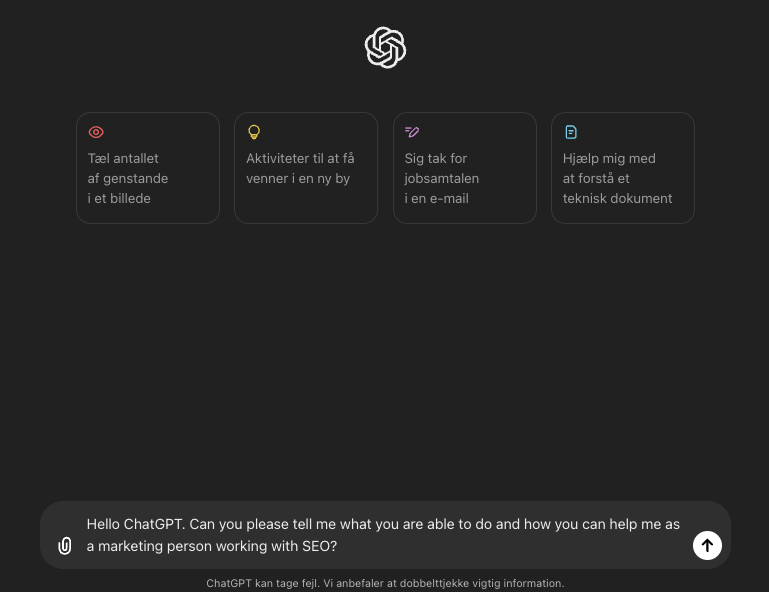
Press the enter button and see the action:
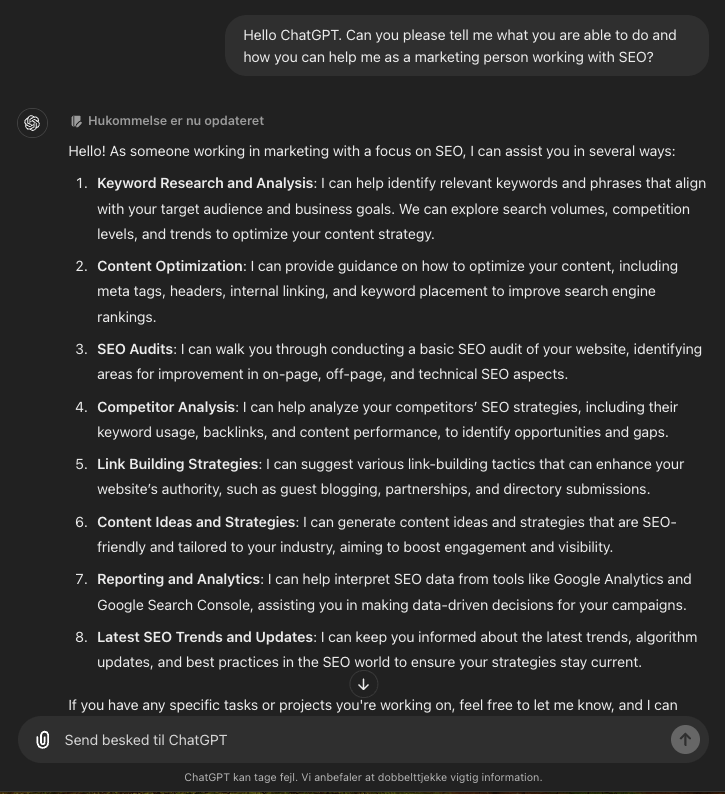
Step 6: Try our prompts
Time to start the real work. Get assistance from ChatGPT for your SEO work with the use of our favorite prompts:
- Keyword research prompts
- SEO content writing prompts
- On Page SEO prompts
- Link building prompts
- How to create your own prompts
These prompts come from our daily SEO work at MorningScore, where our AI tools are validated by user comparisons on G2.
Frequently Asked Questions
Do I need a phone number to create a ChatGPT account?
Not necessarily. OpenAI may ask for phone verification depending on your region or account activity. If you prefer not to share your personal number, virtual phone numbers can work for SMS verification and are a popular workaround for this.
Why does ChatGPT ask me to verify my phone number?
It is a security measure. OpenAI uses phone verification to confirm your identity and reduce automated misuse of the platform. According to OpenAI’s help center, verification is sometimes triggered by unusual login activity.
What should I do if the ChatGPT sign-up is not working?
Start by clearing your browser cache and cookies. Switching to a different browser or turning off your VPN can also help. Server overload is another common cause – waiting a few minutes and trying again usually fixes it. OpenAI also has a troubleshooting guide with more detailed fixes for common sign-up errors.
What is the difference between ChatGPT free and paid plans?
The free plan gives you access to GPT-5.2 and basic features at no cost. ChatGPT Plus at $20 per month adds faster responses, higher usage limits, and features like file uploads and custom GPTs. For heavy users, the Pro plan at $200 per month offers unlimited access and Deep Research tools. You can compare all options on the official ChatGPT pricing page.
Is ChatGPT available in all countries?
ChatGPT is available in most countries, but some regions are restricted due to local regulations. It is worth checking regional availability on OpenAI’s website before you start the sign-up process – especially if you are outside the US or Europe.
Is ChatGPT Plus worth paying for?
For casual use, the free version is usually enough. Plus makes more sense if you rely on ChatGPT daily for work or more complex tasks. Faster response times and early access to new features are the main reasons people upgrade, as outlined in OpenAI’s ChatGPT Plus overview.