
 Dansk
Dansk Deutsch
 Svenska
 Español
 Nederlands
I just tested 7 different transcribing tools. I only tested their free versions, so this is a review of that experience.
I rank them from best to worst based on my experience and my specific needs
1. Personal test of turboscribe.ai
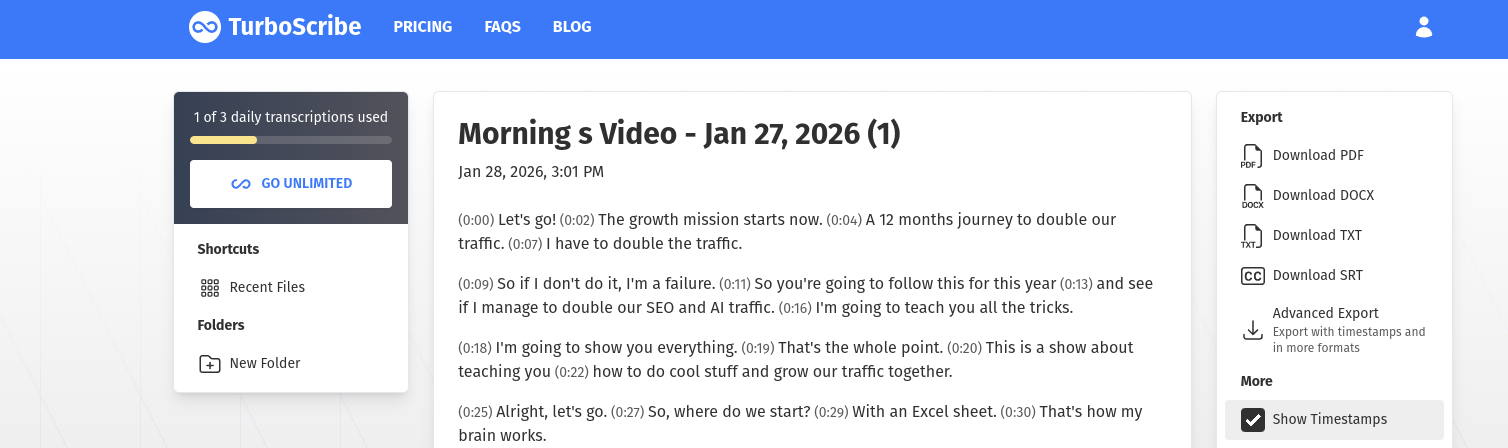
Very easy to get going. No email needed. And the transcription quality was among the highest of the tested services. I chose “whale” which is their highest quality mode. Also free.
You get 3 transcriptions per day for free. Other limits might apply, but I did not stumble upon them for my needs.
What I especially liked is how each sentence is on a new line. The other tools did not do that.
2. Personal test of uniscribe.co
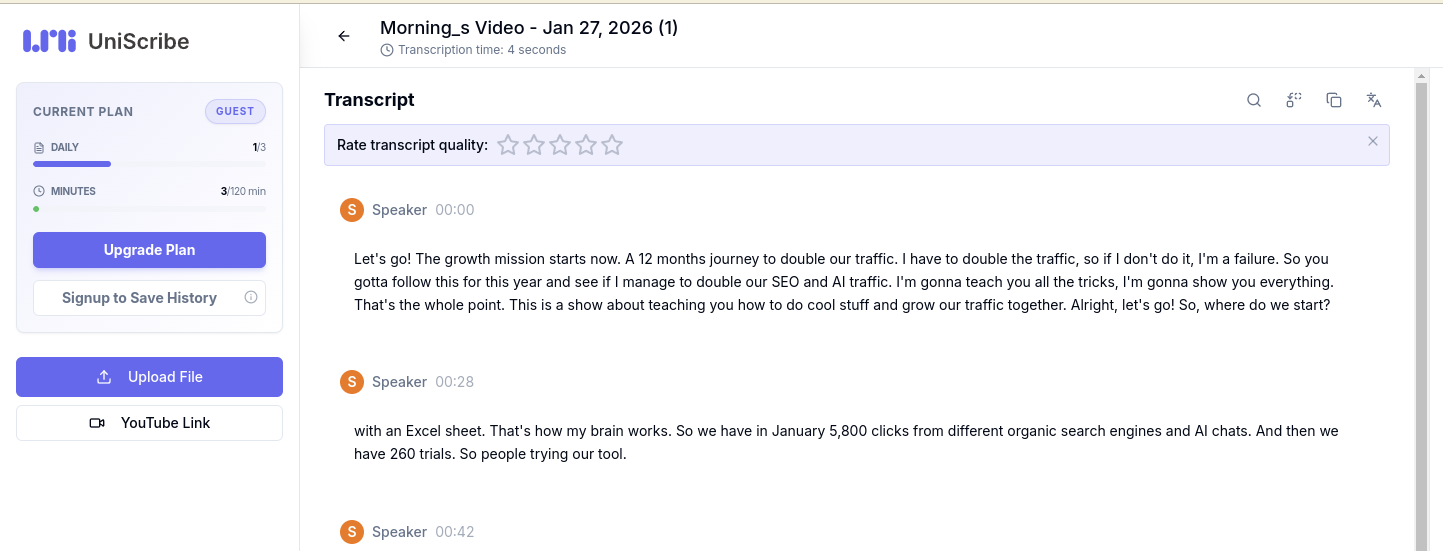
I really liked Uniscribes interface and it was very easy to get going without any email or other wall to pass. The only reason it did not take the final winning spot is because a few sentences were not as superb as Turboscribe. But we are talking very small nuances. Almost not worth mentioning.
And the text gets sent in one big pile per default, which I find a bit confusing, but their free txt export is excellent. It collects in paragraphs that are quite on point and very reader friendly. Good stuff.
3. Personal test of videotranscriber.ai
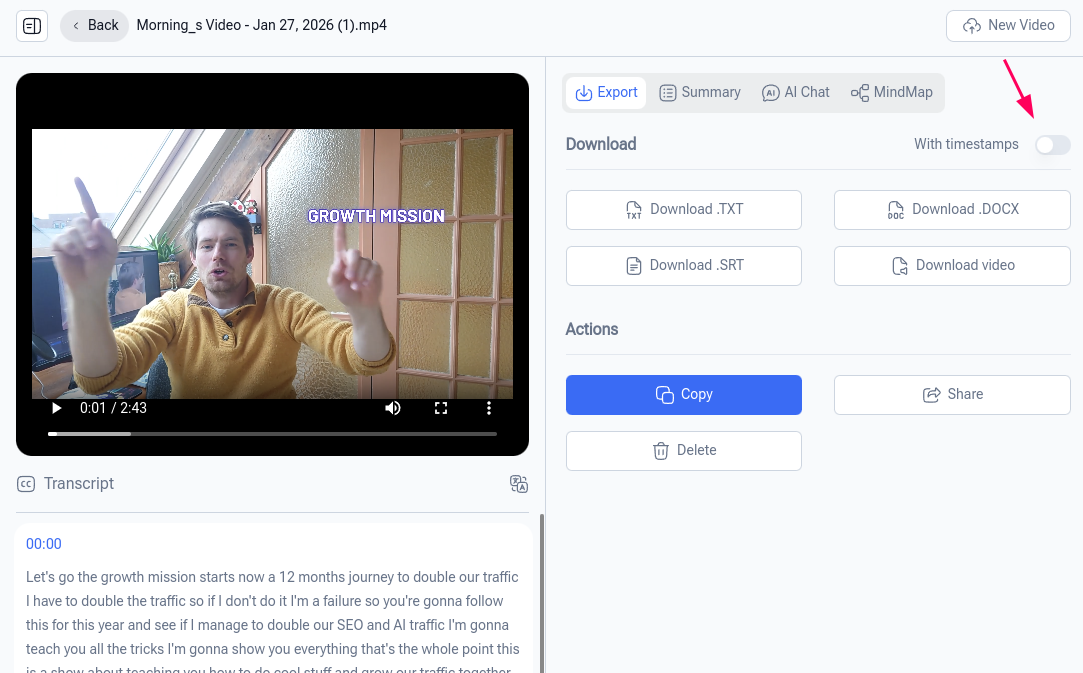
Also a decent option, but some sentences did not start with big letters even as they were put in a new paragraph and a few other unsharp things I noticed in the text made me downvote it a bit. Otherwise great, and maybe I was just unlucky here. I am not sure how many free transcriptions, but the upload area stated “Max 1GB per video, up to 5 tasks in queue.” I am not sure this applies to the free plan though.
4. Personal test of Randi.ai
Cool free tool from Norway. Email signup required, but free. Up to 20 minutes of video is fair. It has a few cool tricks up it’s sleeve like setting temperature for how much it should follow you word for word or make it more readable. Or the length of sentences. There is also a full and quite powerful video editor included, which was suprising. The transcript itself is of pretty good quality, but in my test slightly behind for example Turboscribe (which was by no means perfect either). If I set temperature to 80 transcription quality was one of the best in my test actually.
5. Personal test of Elevenlabs.io
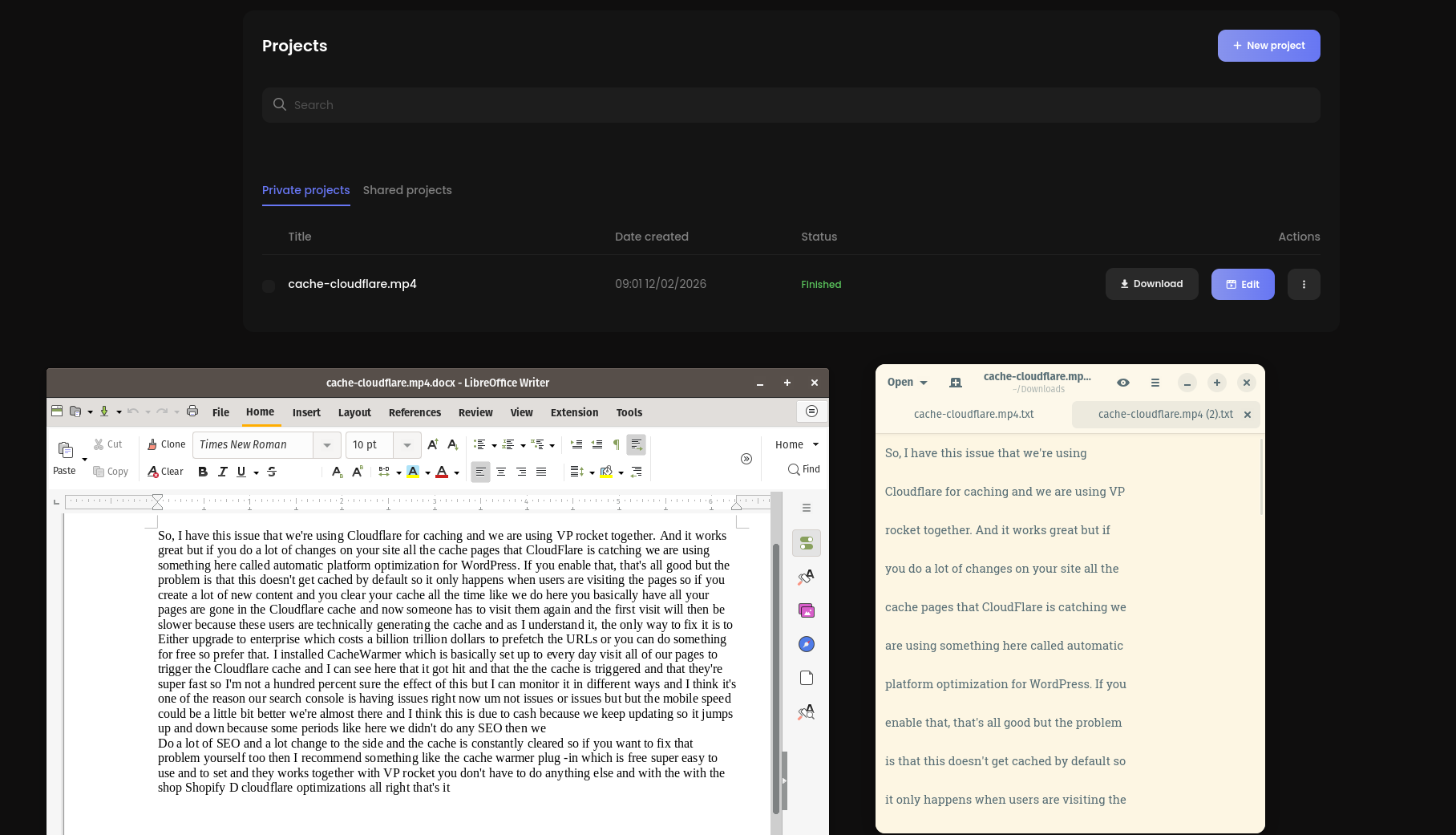
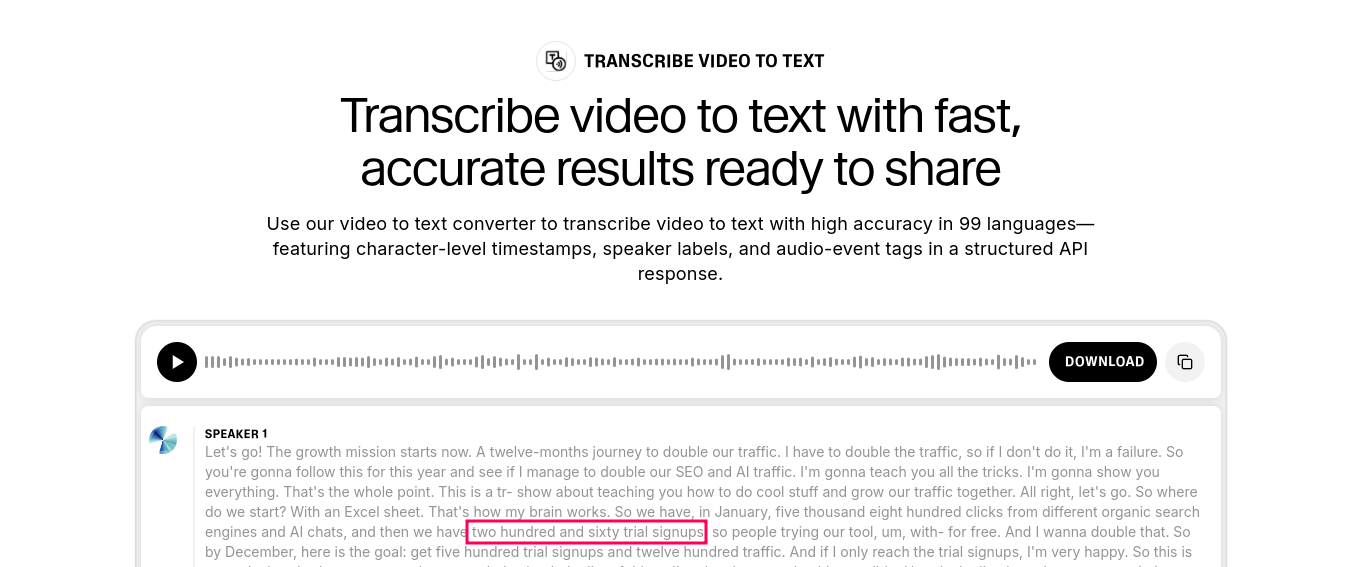
Easy to get going, no email required. The text transcription was good, but I did not like the fact that I can only download one big wall of text as you see in picture and that all numbers are formatted as text. Apart from that, all good and easy to use.
6. Personal test of smartnoter.ai
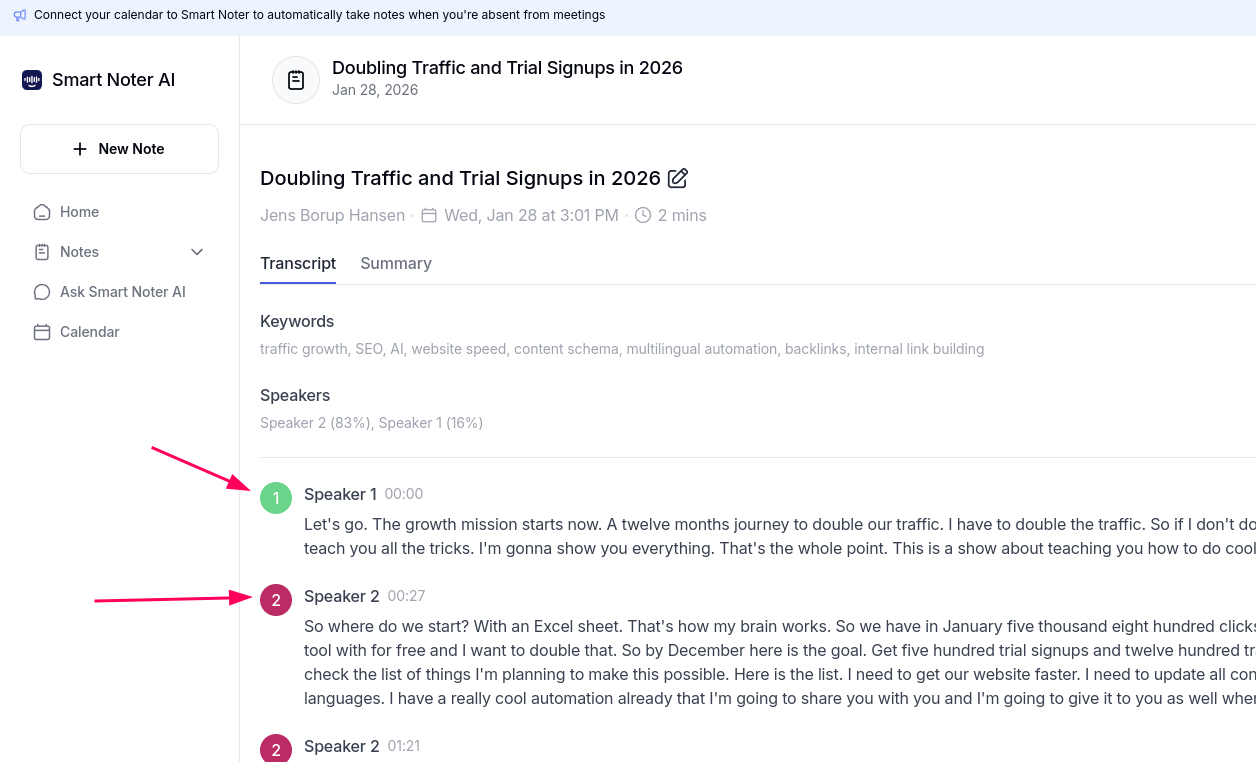
Asks for an email to get the transcription. Fair enough. But it was done a little too sneaky 😉
Tool is decent. It mistakingly found 2 speakers, where it was really only 1 – me.
And I don’t personally need this speaker feature, but if you do might be a relevant feature. If it would work 😉
7. Personal test of Clipto – not recommended
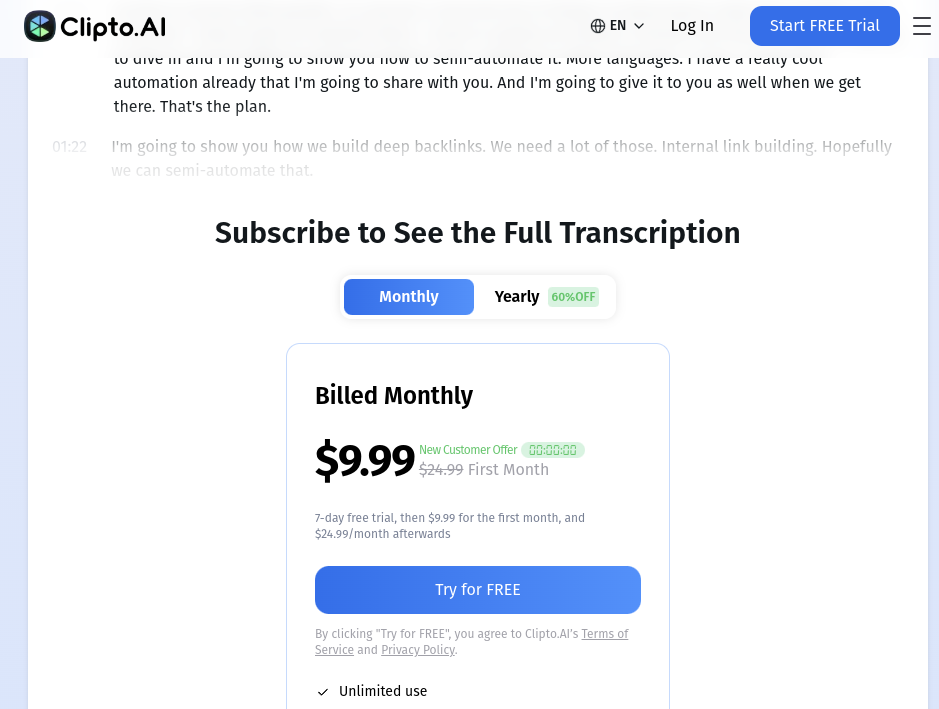
Clipto tells you everything is 100% free. And technially it is. But you are met with a credit card wall to get 7 days free once you uploaded your video.
I don’t personally like that, even if it might be a standard business practice. And for that reason I cannot recommend this tool.
8. Personal test of Voice2text – not recommended
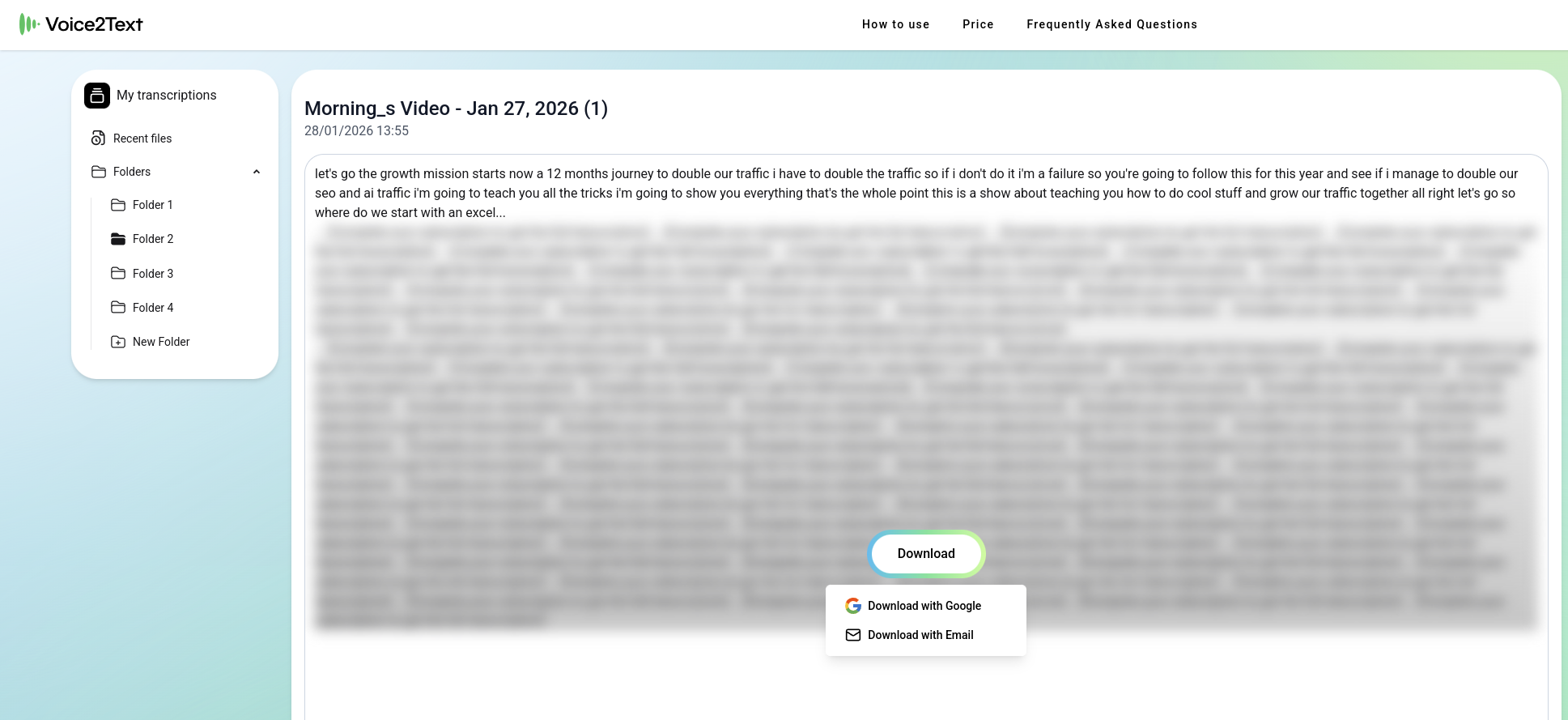
Deceiving setup. Not only do you need to add your email to get the transcript, you also need to pay 0,5 € for the result.
And no where in the process leading up to that is that clear. So this tool might not belong on this list of free tools, but as I was fooled I will warn you as well.
This is not a recommendation.
Why do I test transcribing tools?
Transcribing videos can be an excellent SEO tactic.
- We upload our videos with our unique, original insights
- get the text back that we can then feed into an LLM to optimize further
- Voila! You now have the baseline for a written article in your own human words 👍️
If you are also doing SEO and GEO and want to test an awesome complete tool (100% free for 14 days, but we do ask for your email) then check it out and signup here
Thanks for reading and good luck out there Captain! 🧑🚀👨🚀