
 Dansk
Dansk Deutsch
 Svenska
 Español
 Nederlands
There’s one thing that draws your attention when you first log in to the app – the SEO Score metric. This element is a combination of several things, and it might be the hardest part of the tool to understand. So, we figured you might need some explanation — and in this post, we’ll try to make things a little easier. Let’s dive right in!
Note: This metric used to be called “” but has renamed to SEO Score since Dec 2025. Read news here.
The quick explanation
Before we look at what happens behind the scenes, let’s see what the metric actually stands for. The SEO Score is the monthly clicks from Google to your website multiplied by the price you would pay for the clicks in Google AdWords.

In other words, the SEO Score is a value based on the number of people coming to your website from a specific keyword.
This amount of traffic would otherwise cost you a certain price if you were to get it through ads (more on that a little later).
From there, we can determine how much money you can save from organic traffic compared to paid traffic.
The SEO Score can be estimated per keyword or as a sum of all the keywords you are ranking for.
Take a look at this example:

And if you’d like to learn more about it, you can go ahead and check out the infographics and videos explaining that can be found in your SEO dashboard once logged in.
How does the SEO Score work?
To understand what the SEO Score is, how we calculate it and how it affects your bottom line, let’s look at the four metrics that it’s based on.
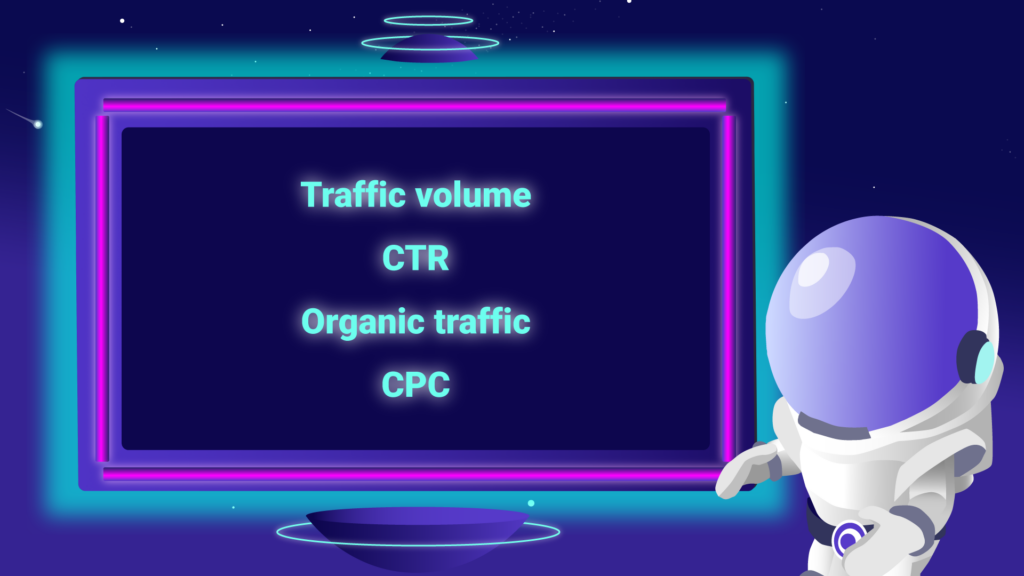
Traffic volume
This represents the number of searches certain keywords get on Google per month.
Click-through-rate (CTR)
This is the distribution of link clicks on the result page for a given keyword. If 7 out of 100 people click on your link, you get a CTR of 7%.
Statistics show that on average the first position for any keyword receives about 20% of all the clicks.
Organic traffic
Organic traffic is the “free traffic” you get from Google searches. This is calculated from the simple equation:
Traffic volume * Click through rate = Organic traffic
Cost-Per-Click
This Metric represents the price you pay to Google for one user clicking on a Google ad.

This video explains our SEO Score metric
Watch this video that explains our SEO Score metric in more visual and simple terms. Perhaps it will stick better once you see it explained more visually 🙂